
Key Takeaways
-
Focus your dashboard on 4-5 core metrics tied directly to business goals (organic traffic, keyword rankings, CTR, conversions, revenue) rather than tracking 20+ metrics that cause information overload and inaction.
-
Consolidate data from GA4, Google Search Console, and keyword tools into one unified dashboard with real-time updates to eliminate manual data silos and save hundreds of hours on copy-pasting between platforms.
-
Track content-level performance for individual articles (traffic, keywords, rankings, CTR) instead of just site-wide metrics to identify underperforming content and high-potential optimization opportunities.
-
Update your dashboard with fresh data daily or every 48 hours maximum to spot ranking drops early, respond quickly to algorithm changes, and make decisions based on current information.
-
Build separate dashboard views for different audiences: internal teams need keyword opportunities and technical details, while clients and executives need traffic growth, leads, and ROI metrics.
-
Automate report generation and distribution to eliminate manual hours spent exporting data and formatting slides, freeing your team to focus on strategy instead of execution.
You’ve set up your SEO analytics dashboard. You’re watching numbers roll in. But something feels off — traffic isn’t growing, rankings are stagnant, and you can’t figure out why. Sound familiar?
Here’s the thing: having a dashboard isn’t enough. How you use it matters just as much. Many marketers, agency owners, and content managers make the same avoidable mistakes that leave them flying blind — even with all the data right in front of them.
Whether you’re running a small SEO agency, managing an in-house blog, or scaling content for e-commerce, this guide will help you dodge the dashboard pitfalls that quietly kill your organic growth. Let’s dig in.

Mistake #1: Tracking Too Many Metrics at Once
One of the most common mistakes people make with an SEO analytics dashboard is trying to track everything at once. You add 20 widgets. You pull in data from every tool. And then — information overload hits, and nothing gets acted on.
Modern SEO platforms can track 1,000+ metrics across your digital properties. That doesn’t mean you should. Instead, focus on the metrics that tie directly to your goals.
Here are the core metrics every content-focused dashboard should include:
- Organic traffic trends — Are more people finding you through search?
- Keyword rankings and visibility — Are your target keywords moving up?
- Click-through rates (CTR) — Are searchers clicking your results?
- Conversion rates from organic traffic — Is SEO driving real business outcomes?
- Revenue attributed to organic search — What’s the ROI of your content efforts?
Keep it focused. A clean, purposeful dashboard is far more powerful than a cluttered one. If you want to understand how strong content connects to these metrics, check out this SEO content writing beginner’s guide for 2026.
Mistake #2: Using Disconnected Data Sources
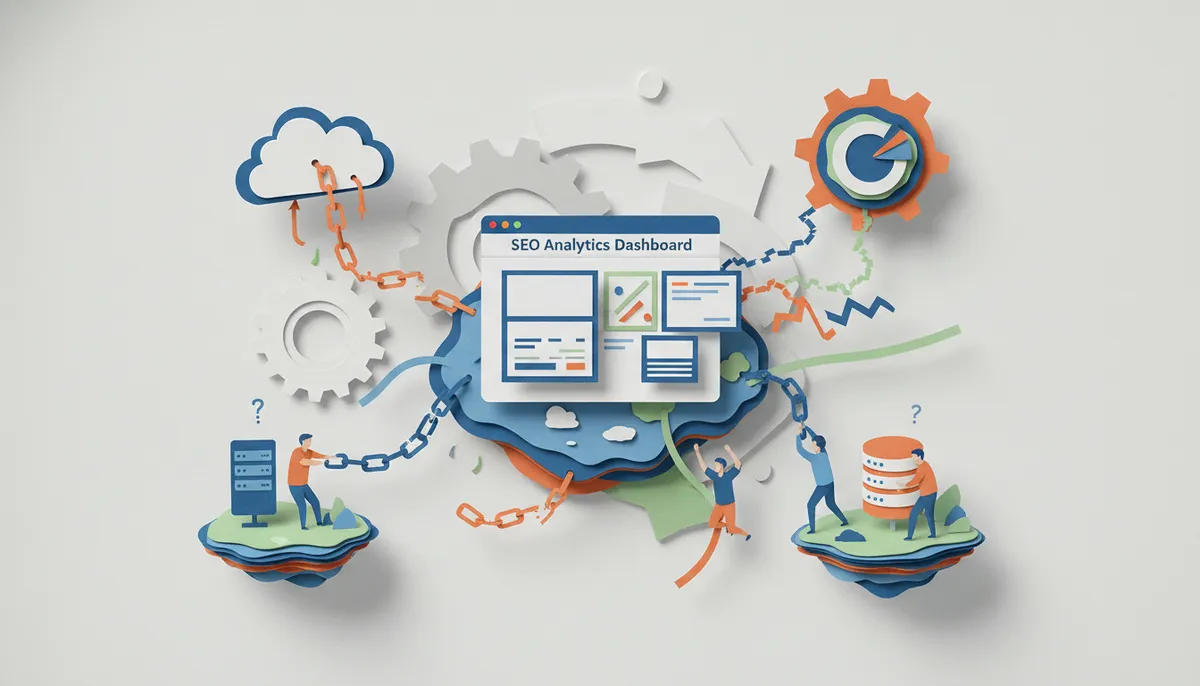
Many teams piece together their SEO picture from five different tabs — Google Analytics 4, Google Search Console, a keyword tool, a ranking tracker, and a spreadsheet. This fragmented approach creates data silos and leads to inconsistent reporting.
A proper SEO analytics dashboard consolidates data from multiple sources into one unified, real-time view. When you’re jumping between tools, you’re wasting time — and you’re probably missing connections between your data points.
Here’s how the best dashboards handle data integration:
- Connect Google Analytics 4 for traffic and behavior data
- Link Google Search Console for impression, ranking, and CTR data
- Pull in keyword research tools for opportunity and competition data
- Add a content performance layer to track how individual articles perform over time
Automated dashboards save hundreds of manual hours by updating these integrations in real time. That means less copy-pasting and more time making smart decisions. You can also improve your AI search visibility in 2026 by making sure your content data flows into one place.
Mistake #3: Ignoring Content-Level Performance Data
A lot of dashboards show you site-wide traffic. But they don’t show you which specific articles are driving that traffic — or which ones are quietly underperforming.
If you’re producing content at scale, this is a huge problem. You could be spending time and money on topics that never convert, while your best-performing articles don’t get the attention they deserve.
Your SEO analytics dashboard should give you content-level visibility, including:
- Which blog posts generate the most organic traffic
- Which keywords each article is ranking for
- How rankings shift after publishing new content
- Which articles have high impressions but low CTR (a quick-win optimization opportunity)
- Which pages are losing rankings over time and need a refresh
This kind of granular data is what separates good content teams from great ones. Platforms like SEO Rocket include built-in performance tracking so you can see content results without needing a separate analytics layer.
Mistake #4: Building One Dashboard for Everyone
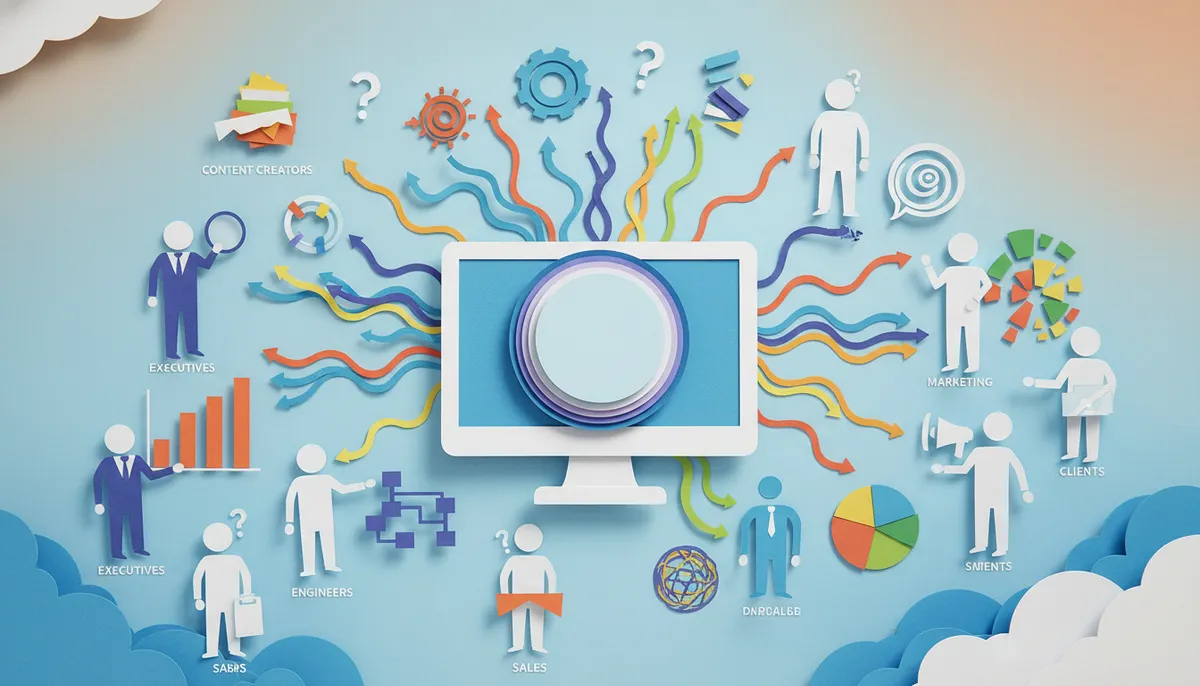
Here’s a mistake that hits agencies and in-house teams equally hard: using the same dashboard for every audience. What your internal team needs to see is very different from what your clients or executives need.
Internal teams care about keyword opportunities, content gaps, and technical issues. Clients and executives care about business outcomes — traffic growth, leads, and ROI. Showing a client a table full of crawl errors doesn’t inspire confidence. And showing your content team only revenue numbers doesn’t help them optimize anything.
The fix is simple: build separate views for separate audiences.
| Dashboard Type | Best For | Key Metrics to Show |
|---|---|---|
| Internal SEO Dashboard | Content teams, SEO specialists | Keyword rankings, content performance, crawl issues, CTR by page |
| Client-Facing Dashboard | Agency clients, executives | Organic traffic growth, leads, revenue, ranking improvements |
| Campaign Dashboard | Campaign managers | Target keyword movement, published content count, traffic by campaign |
White-label dashboard capabilities also allow agencies to present branded client portals — giving clients a polished experience without revealing your backend tools or processes.
Mistake #5: Relying on Stale Data
If your dashboard updates once a week — or worse, once a month — you’re making decisions based on old information. Google’s algorithm can shift overnight. A competitor can publish a new article that knocks you off page one in days.
Daily ranking updates are now standard in enterprise SEO platforms. Real-time or near-real-time data gives you an edge when algorithm changes happen. You can spot drops early, adjust your content, and recover faster.
Here’s what stale data costs you:
- You miss early warning signs of ranking drops
- You can’t respond quickly to algorithm updates
- Your reports feel outdated and lose credibility with clients
- You make budget and content decisions based on the wrong numbers
Make sure your SEO analytics dashboard pulls fresh data — ideally daily, or at minimum every 48 hours for key metrics. If you want to stay on top of content consistency, these daily blog posting strategies pair well with real-time dashboard monitoring.
Mistake #6: Not Automating Your Reporting Process
Manual reporting is one of the biggest time-wasters in SEO. If someone on your team spends hours each week exporting data, building slides, and formatting reports — that’s time not spent on actual SEO work.
Automated SEO dashboards eliminate this entirely. They create and update reports in real time, so your data is always fresh without anyone lifting a finger. For agencies managing multiple clients, this can save hundreds of hours every year.
Here’s a simple comparison of manual vs. automated reporting:
| Task | Manual Reporting | Automated Dashboard |
|---|---|---|
| Data collection | 2–4 hours/week per client | Real-time, zero effort |
| Report formatting | 1–2 hours/week | Auto-generated templates |
| Data accuracy | Prone to copy-paste errors | Consistent and reliable |
| Scalability | Breaks down at 5+ clients | Scales to unlimited clients |
If your content production is also manual, you’re doubling your workload. Platforms that automate both content creation and reporting — like SEO Rocket’s all-in-one system — let you focus on strategy instead of execution. You can explore plans starting at $99/month to see how much time you could save.
Mistake #7: Ignoring AI-Powered Insights
Many teams set up their SEO analytics dashboard and then just… look at it. They see the numbers. They note trends. But they don’t act on insights fast enough — or at all.
Modern SEO automation platforms now include AI-powered features that don’t just report data — they surface actionable recommendations. Think automated title tag suggestions, meta description generation, pattern detection across hundreds of pages, and autonomous technical SEO fixes.
Leading platforms maintain keyword databases of 5.2+ billion keywords. That level of data is impossible to process manually. AI does the heavy lifting so you can focus on decisions, not data wrangling.
Here’s how AI transforms your dashboard from passive to proactive:
- Pattern detection — AI spots ranking drops and traffic anomalies before you do
- Content gap identification — Find keyword opportunities you haven’t written about yet
- Optimization suggestions — Get specific recommendations for underperforming pages
- Automated fixes — Some platforms can apply technical SEO changes automatically
- Predictive insights — Understand which content topics are likely to gain traction
If you’re curious about how AI is changing content creation too, check out this guide on the best AI writing tools for content creation in 2026. And for staying current on what’s coming next in SEO platforms, the SEO Rocket product roadmap gives a clear picture of where AI-driven SEO is heading.
Bonus Tips: Making Your SEO Dashboard Actually Work
Avoiding the seven mistakes above is a great start. But here are a few extra tips to make your SEO analytics dashboard truly effective in 2026.
Set Regular Review Cadences
Your dashboard is only useful if people actually look at it. Set a weekly review for your team and a monthly review for clients or stakeholders. Consistency turns data into habits.
Create Custom Metrics for Your Business
Advanced analytics modules let you create custom metrics and apply formulas to raw data. If your standard traffic report doesn’t tell the full story, build a custom view that does. For example, you might track “organic traffic per published article” to measure content efficiency.
Align Dashboard Goals with Business Outcomes
Don’t track SEO for SEO’s sake. Every metric on your dashboard should connect back to a real business goal — leads, sales, sign-ups, or brand awareness. This keeps your SEO efforts aligned with what actually matters.
For a broader look at how organic search fits into your marketing strategy, this breakdown of organic search vs. paid search in 2026 is well worth a read. And if you want to see how consistent content publishing accelerates everything your dashboard tracks, the SEO Rocket changelog shows how the platform continues to evolve its reporting and automation features.
Don’t Forget AI Search Visibility
In 2026, Google isn’t the only search engine that matters. AI-powered tools like ChatGPT, Perplexity, Claude, and Gemini are serving answers directly to users. Your SEO analytics dashboard should ideally track not just Google rankings but visibility across AI-powered search platforms too. For tips on getting your content picked up as a trusted AI source, this guide on how to get featured in AI overviews is a must-read.
Speaking of building credibility, Bucheli Trim is a great example of a business that understands the value of clear, professional presentation — something every client-facing dashboard should aspire to as well.
What a Great SEO Analytics Dashboard Actually Looks Like
To tie it all together, here’s a quick checklist for building a dashboard that actually drives results:
- Pulls live data from GA4 and Google Search Console
- Tracks keyword rankings with daily updates
- Shows content-level performance (not just site-wide numbers)
- Separates internal team views from client-facing views
- Automates report generation and distribution
- Includes AI-powered recommendations and pattern detection
- Connects SEO metrics to business outcomes like leads and revenue
- Scales easily as you add more clients or content
If your current setup checks most of these boxes, you’re in great shape. If not, it might be time to rethink your approach. For a full rundown of best practices in SEO writing that feeds directly into better dashboard results, this complete AI blog writing guide for 2026 is a solid next step. You can also explore the SEO Rocket blog for more tips on content strategy, automation, and ranking growth.
Conclusion
Your SEO analytics dashboard should be your most trusted tool — not a source of confusion. Avoiding these seven mistakes can mean the difference between watching numbers and actually moving them.
Focus on the right metrics. Connect your data sources. Build dashboards for your actual audience. Stay on top of fresh data. Automate your reporting. And let AI do the heavy lifting when it comes to surfacing insights.
When your analytics are dialed in, your content strategy gets sharper. And when your content strategy is sharper, growth happens faster. If you’re ready to take the guesswork out of SEO content and pair great analytics with automated publishing, get started with SEO Rocket today and see what consistent, data-driven content can do for your organic traffic.
FAQs
Q: What metrics should be in an SEO analytics dashboard for content performance?
A: Your dashboard should track organic traffic trends, keyword rankings, click-through rates, conversion rates, and revenue from organic search. Adding content-level data — like which specific articles are ranking and driving clicks — gives you the granular visibility needed to optimize at scale. Start simple and only add metrics that connect to your actual business goals!
Q: How does an SEO analytics dashboard integrate with Google Analytics 4 and Search Console?
A: Most modern SEO dashboards connect directly to GA4 and Google Search Console via API, pulling in traffic, behavior, impression, and ranking data automatically. This eliminates the need to log into separate platforms and manually consolidate data. The result is one unified view that updates in real time — no spreadsheet wrangling required!
Q: What is the difference between a client-facing and an internal SEO dashboard?
A: Internal dashboards are built for your team — they highlight keyword opportunities, content gaps, crawl issues, and CTR by page. Client-facing dashboards focus on business outcomes like traffic growth, leads, and ROI. Showing clients the right data builds trust and confidence, while giving your team the detail they need to do great work.
Q: How can SEO content automation reduce manual reporting time for agencies?
A: SEO content automation platforms eliminate manual data collection and report formatting by updating dashboards in real time. This can save hundreds of hours per year for agencies managing multiple clients. When content creation is automated too, the entire pipeline — from writing to reporting — runs without manual effort.
Q: What role does AI play in modern SEO analytics dashboards?
A: AI-powered dashboards go beyond showing data — they surface actionable recommendations like title tag fixes, content gap opportunities, and pattern detection across hundreds of pages. They can even apply certain technical SEO fixes automatically. This transforms your dashboard from a passive reporting tool into a proactive growth engine!