

Key Takeaways
-
Skip alt text on AI-generated images is the most damaging mistake – write descriptive, keyword-relevant alt text under 125 characters for every image to improve both SEO and accessibility.
-
Compress AI-generated images before publishing since large files slow page speed, a direct Google ranking factor – aim for files under 100KB and convert to WebP format.
-
Rename AI-generated images with descriptive, keyword-rich file names instead of random strings like ‘img_4892736.png’ – file names are an SEO signal that takes seconds to implement.
-
Add captions and surrounding context to images beyond alt text – search engines read both caption text and surrounding paragraphs to understand image relevance and boost on-page signals.
-
AI images support SEO indirectly through engagement and perceived quality, but cannot replace strong written content, keyword targeting, and technical SEO fundamentals.
-
Verify commercial licensing rights before using AI-generated images – check the tool’s terms of service and keep records of image generation sources to avoid copyright and legal risks.
Adding images to your blog posts sounds simple. But when you use AI image generation in your SEO content workflow, small mistakes can quietly hurt your rankings. Whether you manage a busy agency, run a growing e-commerce store, or handle content for multiple clients, visuals matter more than most people think. And getting them wrong is easier than you’d expect.
The good news? Every mistake on this list is completely avoidable. Once you know what to watch for, you can use AI-generated images to actually support your SEO — not undermine it. Let’s walk through the seven most common mistakes and, more importantly, how to fix them.

Why AI Image Generation Matters in SEO Content Automation
AI image generation is now a standard part of many SEO content automation workflows. Tools can create featured images, blog illustrations, and social graphics at scale — without hiring a designer for every article. That’s a huge win for teams publishing daily content.
But here’s the thing: images support SEO indirectly. They improve engagement, increase time on page, and make content feel more professional and trustworthy. According to industry consensus from 2024–2025, pages with compelling visuals tend to support stronger dwell-related behavior, even though rankings still depend on overall page quality. So visuals matter — and so do the mistakes you make with them.
If you want to learn how to use AI-generated images strategically, check out this helpful guide on how to use AI-generated images to boost your SEO content. It covers the basics in plain language.

Mistake 1: Skipping Alt Text on AI-Generated Images
This is the most common and most damaging mistake. Alt text tells search engines what an image shows. Without it, your image contributes nothing to your SEO — and nothing to accessibility either.
Many teams assume that because AI generated the image, it will somehow handle the metadata too. It won’t. You need to write descriptive, keyword-relevant alt text for every image you publish.
Here’s what good alt text looks like in practice:
- Describes the image clearly and briefly
- Includes your target keyword naturally (not forced)
- Avoids phrases like “image of” or “photo of”
- Stays under 125 characters
- Reflects the surrounding content context
The great news is that modern content automation software can handle alt text generation for you automatically. This is a huge time saver for large content libraries or multilingual sites.
Mistake 2: Using Images With No Compression
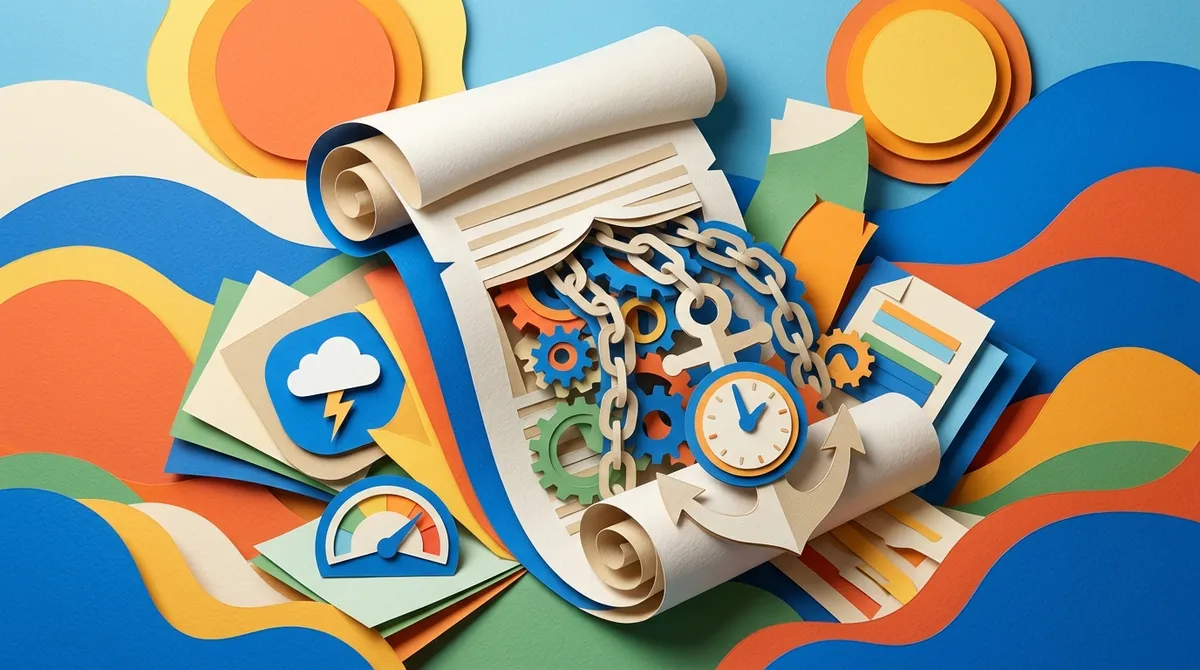
AI-generated images are often large files. Publishing them without compression slows your page down significantly. And page speed is a direct Google ranking factor.
A slow-loading page frustrates users. They leave quickly. That sends a bad signal to Google — even if your content is excellent. According to Google’s Search Quality Rater Guidelines, page experience matters when evaluating content quality.
Before publishing any AI-generated image, run it through a compression step. Here’s a simple process to follow:
- Export your AI image at the right dimensions for your layout
- Convert to WebP format for better compression
- Run through a compression tool to reduce file size
- Test your page speed before and after publishing
- Aim for image files under 100KB where possible
Platforms that handle CMS integration for automated SEO content often include image optimization steps built right into the publishing workflow. That saves you from doing this manually every time.
Mistake 3: Using Generic or Off-Brand Visuals
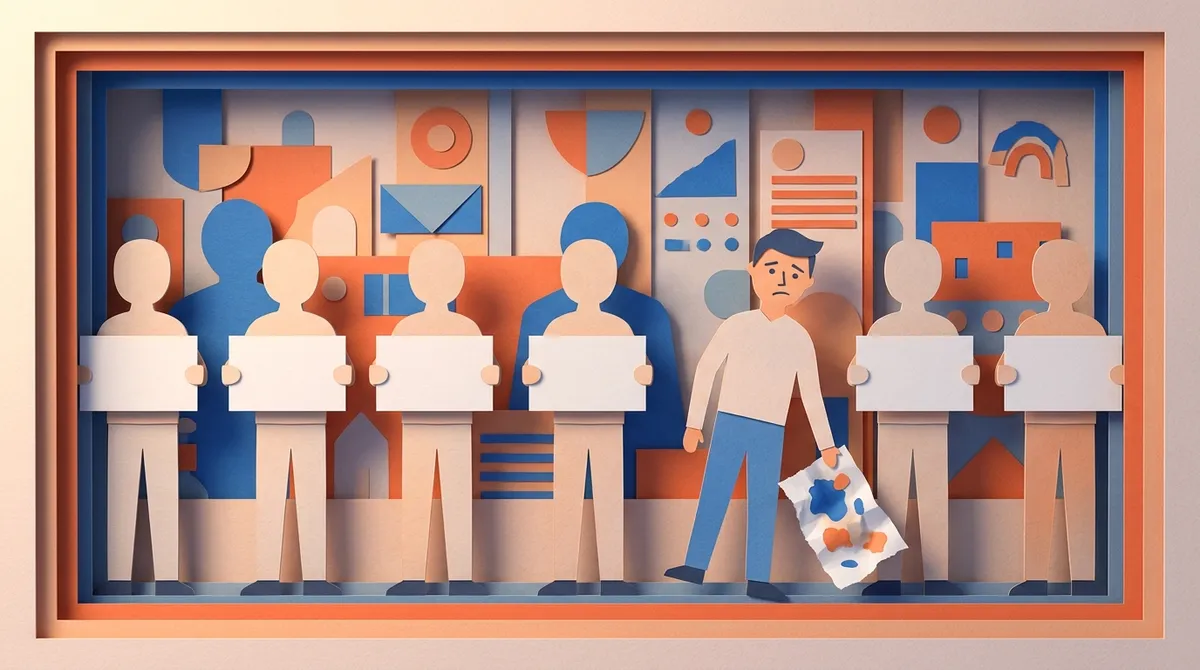
AI image generation is fast and easy. That tempts many teams to grab the first result and publish it immediately. But generic images that don’t match your brand or content topic can actually hurt trust signals.
Users notice when images feel random or disconnected from the text. It makes your content feel lower quality — even if the writing is great. Brand consistency matters to readers and search engines alike.
Think about what your images should communicate:
- Do they match your brand’s color palette and style?
- Do they relate directly to the article topic?
- Do they feel consistent across all your published content?
- Would a new reader trust your brand based on these visuals?
Human review is still important here. AI-generated images can contain visual inaccuracies, brand inconsistencies, or misleading representations. Always take a few seconds to review before publishing. This is one area where automation helps with volume but human judgment handles quality.
Mistake 4: Ignoring Image File Names
This one surprises a lot of people. The file name of your image is actually an SEO signal. When AI tools generate images, they often save them with random strings like “img_4892736.png” or “output_final_v2.jpg.” These tell search engines absolutely nothing.
Renaming your images before upload takes seconds and makes a real difference. Use descriptive, keyword-rich file names instead.
| Bad File Name | Better File Name |
|---|---|
| img_4892736.png | ai-image-generation-seo-workflow.webp |
| output_final_v2.jpg | content-automation-featured-image.webp |
| generated_image_001.png | blog-post-illustration-seo-content.webp |
| new_image_export.jpg | automated-seo-article-visual.webp |
It’s a small habit with a real SEO payoff. If you’re publishing dozens of articles per month, building this into your workflow from the start saves you from going back and fixing it later.
Mistake 5: Publishing Images Without Captions or Context
Search engines don’t just look at alt text. They also read the text surrounding your images. A caption or descriptive paragraph near an image gives search engines more context about what the image represents — and how it relates to your content.
Captions also improve the reader experience. They guide attention, clarify meaning, and make your content feel more complete. This is especially important for AI content optimization where every on-page signal counts.
Here’s a quick checklist for adding image context properly:
- Write a short caption (1–2 sentences) for each image
- Include the target keyword or a close variation naturally
- Make sure the paragraph above or below the image references it
- Use structured image placement rather than random positioning
- Check that captions add value — not just describe what’s obvious
Mistake 6: Assuming AI Images Are Copyright-Free
This is a legal and reputational risk that many content teams overlook. AI-generated images exist in a complicated legal space. Depending on the tool you use, the training data behind it, and the output terms of service, there can be copyright or licensing risks involved.
Before using any AI-generated image in your SEO content, take these steps:
- Read the terms of service for the image generation tool you use
- Check whether commercial use is permitted
- Avoid prompts that closely replicate a known artist’s style
- Keep records of how and where images were generated
- When in doubt, use platforms with clear commercial licensing
Google has confirmed it evaluates content based on helpfulness and quality regardless of how it is produced — but copyright issues are separate from SEO rankings. Protect yourself legally as well as strategically. You can also contact our support team if you have questions about image generation within automated workflows.
Mistake 7: Relying on Images Alone to Boost SEO
This is probably the biggest mindset mistake on the list. Many marketers discover AI image generation and assume that adding more visuals will automatically push them up the rankings. It won’t — not on its own.
Images support SEO indirectly. They improve engagement signals, make content more shareable, and increase content quality perception. But they do not replace strong written content, solid keyword targeting, proper internal linking, or technical SEO fundamentals.
Think of images as one ingredient in a larger recipe. They matter — but they don’t carry the whole dish. Google rewards high-quality content regardless of how it is produced (per Google Search Central guidance updated between 2023 and 2025). That means the writing, structure, relevance, and trustworthiness of your article still do the heavy lifting.
If you’re serious about scaling SEO content the right way, you’ll want a platform that handles all of it — text, images, metadata, internal linking, and publishing — as a unified system. That’s exactly what SEO Rocket is built to do. It generates 3,000+ word articles daily, with AI-generated images, auto-optimized metadata, and direct publishing to your CMS — all for around $3 per article.
What Good AI Image Generation Looks Like in an SEO Workflow
Now that you know the mistakes to avoid, let’s look at what a healthy image workflow actually looks like inside an SEO content automation system.
| Step | What Happens | Why It Matters |
|---|---|---|
| 1. Image Generation | AI creates a relevant, on-brand visual | Saves design time at scale |
| 2. File Naming | Descriptive keyword-rich file name applied | Sends SEO signal to search engines |
| 3. Compression | Image optimized for web performance | Protects page speed and Core Web Vitals |
| 4. Alt Text | Descriptive alt text auto-generated or written | Improves accessibility and SEO |
| 5. Caption Added | Short, keyword-aware caption included | Adds context for readers and crawlers |
| 6. Human Review | Team member checks brand fit and accuracy | Catches AI errors before they go live |
| 7. Publishing | Image published with article via CMS | Completes the optimized content package |
Following this process consistently — even at scale — keeps your image SEO on track. And if you’re publishing every day, having this baked into an automated pipeline makes it sustainable. You can explore content automation SEO strategies for scaling organic traffic to see how this fits into a bigger growth plan.
Want to stay current with how AI tools are evolving for SEO? Check out our platform changelog and product roadmap to see what’s coming next.
The Real Value of AI Image Generation at Scale
Here’s the bottom line: the main value of AI image generation in SEO content automation is scale. You can create many on-brand visuals quickly for programmatic content, blog production, and campaign variations — without a full design team.
According to HubSpot’s 2024 marketing report, marketers identified content creation and ideation as one of the top use cases for generative AI — and image tasks are increasingly part of those workflows. Adobe’s 2024 research found that a large share of marketers are already using generative AI for content and visuals, showing rapid adoption across marketing teams.
That adoption is only accelerating in 2026. If you’re not integrating AI image generation into your AI content automation strategy, you’re leaving efficiency on the table. Just make sure you’re doing it right — by avoiding the seven mistakes above.
For more practical guidance on the bigger picture, read our blog for up-to-date strategies on SEO content automation, AI writing, and traffic growth.
Conclusion
AI image generation is a powerful tool for SEO content teams — but only when used correctly. Skipping alt text, ignoring compression, using generic visuals, forgetting file names, skipping captions, misunderstanding copyright risks, and expecting images alone to boost rankings are all mistakes that quietly undermine your results.
The fix isn’t complicated. Build a consistent process. Review your images before publishing. Treat visuals as one part of a complete SEO content system — not a shortcut to rankings. When you get the fundamentals right, AI-generated images genuinely support your content quality and user experience.
Ready to build a complete, automated SEO content system that handles articles, images, metadata, and publishing — all in one place? Start your free 3-day trial with SEO Rocket and see how easy daily SEO publishing can be.
FAQs
Q: What is AI image generation in SEO content automation?
A: AI image generation in SEO content automation means using AI tools to create blog visuals, featured images, and graphics automatically as part of your publishing workflow. Instead of hiring a designer for every article, AI creates on-brand visuals at scale — saving your team significant time and effort.
Q: Does Google penalize AI-generated images?
A: No — Google does not penalize content simply because images were AI-generated. Google’s guidance confirms it rewards high-quality, helpful content regardless of how it’s produced. The key is making sure your AI images are optimized with proper alt text, file names, captions, and compression, just like any other image.
Q: How do I create alt text for AI-generated images?
A: Write alt text that clearly describes what the image shows and naturally includes your target keyword. Keep it under 125 characters and avoid generic phrases like ‘image of.’ Many SEO automation platforms can generate alt text automatically as part of the publishing pipeline, which is a huge time saver.
Q: Can AI-generated images improve my SEO rankings?
A: AI-generated images support SEO indirectly by improving engagement, increasing time on page, and making content feel more professional. They won’t boost rankings on their own, but when combined with strong written content and proper image optimization — including alt text, captions, and compression — they contribute to a better overall page quality signal.
Q: What are the risks of using AI images in content marketing?
A: The main risks include copyright uncertainty, brand inconsistencies, visual inaccuracies, and poor SEO if images aren’t properly optimized. Always review AI-generated images before publishing, check the licensing terms of your image generation tool, and make sure every image has proper alt text, a descriptive file name, and is compressed for fast loading.




