Key Takeaways
-
Automated internal linking uses AI and NLP to automatically scan content, identify linking opportunities, and insert contextually relevant links without manual work, saving hours weekly while improving SEO consistency.
-
Internal links distribute link equity to important pages, improve site navigation, reduce bounce rates, and help search engines crawl and index content—benefits that compound automatically with every new article published.
-
Choose tools with semantic analysis over keyword matching, CMS integration (WordPress, Shopify, Webflow, Wix), real-time monitoring, cornerstone content prioritization, and human review options for quality control.
-
Set up automation by auditing your site first, defining cornerstone content, limiting links to 3-5 per 1,000 words, prioritizing semantic relevance, and pairing automation with a consistent publishing schedule.
-
Avoid over-linking single pages, ignoring orphaned pages, using generic anchor text, skipping quality checks, and linking to low-quality pages—regular monitoring ensures your strategy stays effective and reader-friendly.
-
Automated internal linking scales effortlessly for growing sites and agencies managing multiple clients, requiring zero developer involvement and costing significantly less than manual linking while maintaining superior consistency.
If you’ve ever spent hours manually adding internal links to your blog posts, you already know the pain. It’s tedious, easy to forget, and nearly impossible to scale. The good news? Automated internal linking has changed the game completely. In 2026, AI-powered tools can now do this work for you — and do it better than most humans would.
Whether you’re running a small SEO agency, managing a busy e-commerce store, or simply trying to grow your blog, automated internal linking can save you massive amounts of time. It also helps your site rank higher by connecting your content in smart, meaningful ways. In this guide, we’ll walk you through exactly how it works and how to set it up for your site.
What Is Automated Internal Linking?
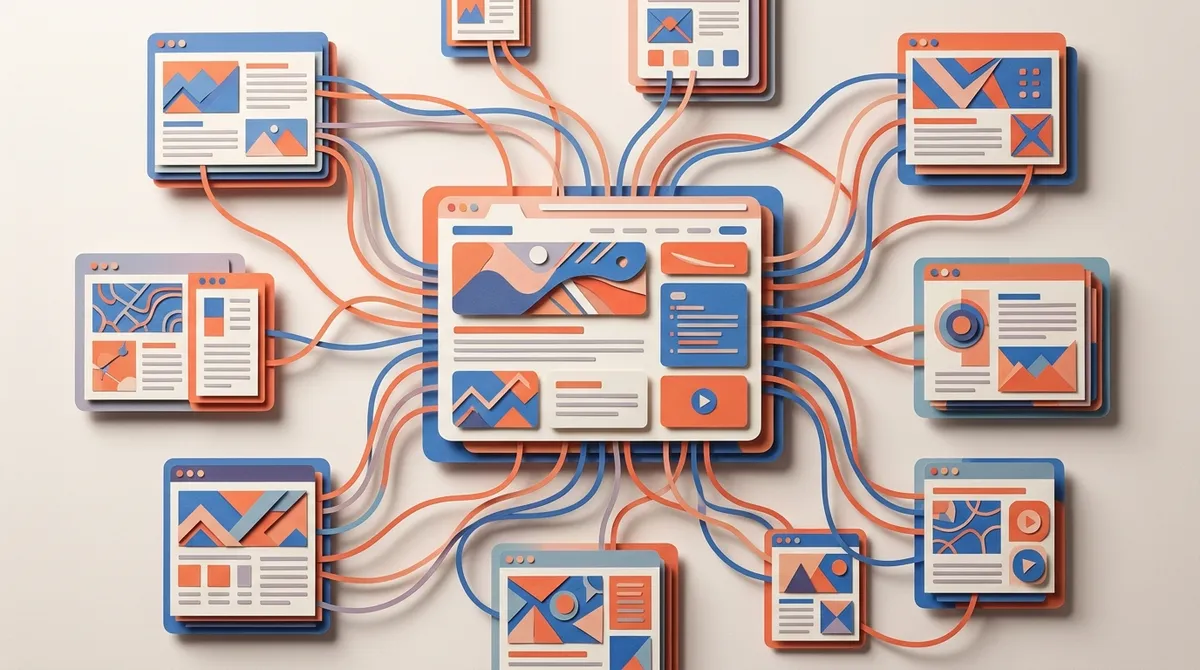
Internal linking means adding links inside your content that point to other pages on the same website. It’s one of the simplest and most effective SEO strategies out there. But doing it manually across hundreds of pages? That’s where things get overwhelming.
Automated internal linking uses AI and natural language processing (NLP) to find linking opportunities and insert them without any manual work. The tools scan your existing content, understand what each page is about, and then create links between related pages automatically. According to a 2021 survey, 62% of SEOs struggle to implement internal links without developer involvement — automation fixes that problem entirely.
This is especially useful for large websites. Instead of tracking which pages need links in a spreadsheet, the system handles it continuously as new content goes live. You can learn more about building a strong content foundation in our guide to SEO content writing for 2026.

Why Internal Linking Matters for SEO
Before we dive into automation, let’s talk about why internal links are so important. They do several big things for your site:
- Distribute link equity — They pass authority from high-performing pages to newer or weaker ones.
- Improve site navigation — They help visitors find more relevant content, keeping them on your site longer.
- Reduce bounce rates — Well-placed links encourage readers to explore more pages.
- Help search engines crawl your site — Google follows internal links to discover and index all your pages.
- Boost visibility for deeper pages — Pages buried deep in your site structure get noticed faster.
When you automate this process, all of these benefits happen consistently — not just when you remember to do it. It’s a compounding SEO advantage that grows with every piece of content you publish. Speaking of publishing consistently, check out these daily blog posting strategies that actually drive results.
How Automated Internal Linking Works Step by Step
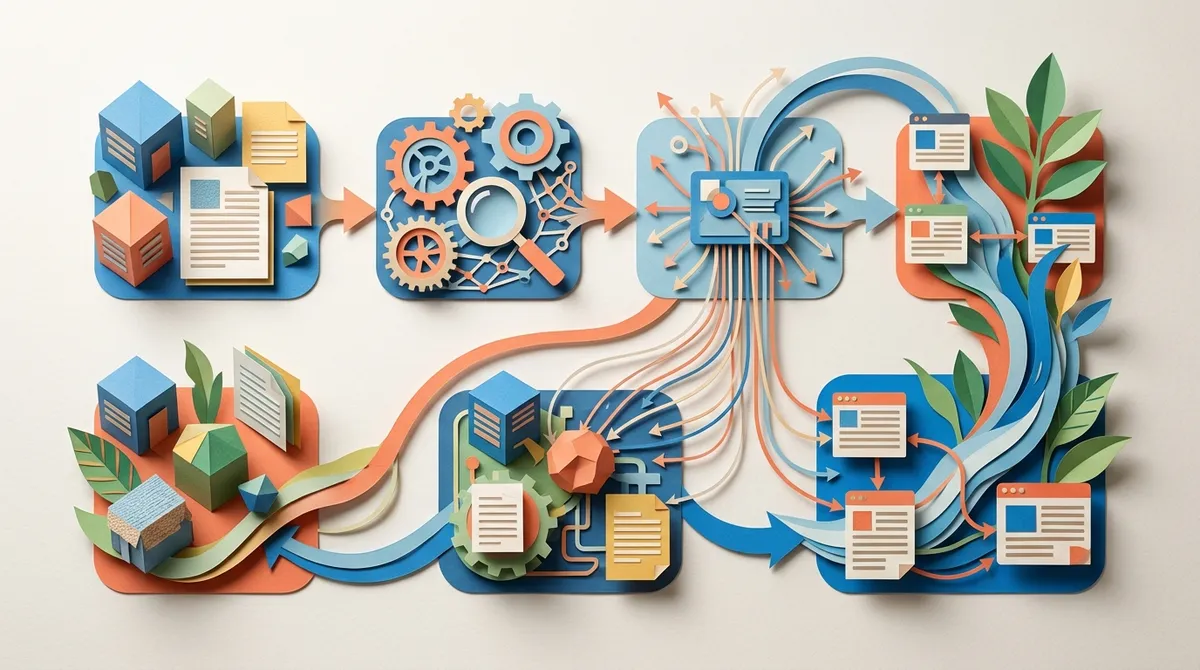
Here’s a clear look at the process most AI-powered internal linking tools follow:
- Content analysis — The tool scans all pages on your website and understands the topic of each one using semantic analysis and NLP.
- Opportunity identification — It finds phrases or keywords in your content that match topics covered on other pages.
- Link suggestion or insertion — Depending on the tool, it either suggests links for your review or inserts them automatically.
- Anchor text optimization — AI generates keyword-rich anchor text that fits naturally into the surrounding content.
- Priority ranking — The system prioritizes links to your most important pages, also known as cornerstone content.
- Ongoing monitoring — As new content is published, the tool updates links continuously to keep everything fresh and relevant.
This kind of workflow is exactly what modern SEO content automation features are built to support. When your content is being published daily, having links added automatically is not just convenient — it’s essential.
Key Features to Look for in Automated Internal Linking Tools
Not all tools are created equal. Here’s what to look for when choosing an automated internal linking solution:
| Feature | Why It Matters |
|---|---|
| Semantic analysis | Ensures links are contextually relevant, not just keyword-matched |
| CMS integration | Works directly with WordPress, Shopify, Webflow, and Wix |
| Customizable link limits | Prevents over-linking on any single page |
| Cornerstone content prioritization | Sends more link equity to your most important pages |
| Real-time monitoring | Continuously updates links as content changes or grows |
| Human review option | Lets you approve links before they go live for quality control |
| AI-generated anchor text | Creates natural, keyword-optimized link text automatically |
When you’re evaluating tools, prioritize ones that integrate with your existing CMS and support real-time updates. Scalability matters a lot here — especially if you’re managing content for multiple clients or a large site. You can also explore what the best AI writing tools for content creation in 2026 offer when it comes to linking features.
Best Practices for Automated Internal Linking
Automation is powerful, but a little strategy goes a long way. Follow these best practices to get the most out of your internal linking setup:
- Run a site audit first — Before enabling automation, audit your site to identify orphaned pages, broken links, and content gaps. This gives the tool a clean foundation to work from.
- Define your cornerstone content — Tell the tool which pages are most important. These should receive the most internal links to build their authority.
- Set link limits per page — Avoid cluttering a single article with too many links. A good rule of thumb is three to five internal links per 1,000 words.
- Choose semantic relevance over keyword matching — The best tools link based on topic similarity, not just exact keyword matches. This feels more natural to readers and search engines.
- Keep human oversight in place — Even with great automation, a quick review of suggested links can catch odd pairings or irrelevant connections.
These practices ensure your automated internal linking strategy stays clean, relevant, and effective over time. You can read more about how Google evaluates content quality in the Search Quality Rater Guidelines, which reinforces why relevant linking matters so much.
Manual vs. Automated Internal Linking: A Quick Comparison
Still on the fence about switching to automation? Here’s how the two approaches stack up:
| Factor | Manual Linking | Automated Linking |
|---|---|---|
| Time required | Hours per week | Minutes to set up, then zero |
| Consistency | Varies by person | Always consistent |
| Scalability | Hard to scale | Scales easily with content growth |
| Link equity distribution | Often missed or uneven | Optimized automatically |
| Developer involvement | Sometimes required | Usually not needed |
| Cost efficiency | High labor cost | Low cost, high output |
For growing websites and busy teams, automated internal linking is clearly the smarter choice. It removes the bottleneck and ensures every new article gets properly connected to your existing content library right away.
How to Set Up Automated Internal Linking in Your Workflow
Ready to get started? Here’s a simple step-by-step process to integrate automated internal linking into your content workflow:
- Choose a tool with CMS integration — Pick a solution that connects directly to your website platform. Look for ones that support WordPress, Webflow, Shopify, or Wix.
- Connect your site and run an initial scan — The tool will index your existing content and build a map of your site’s topics and pages.
- Set your linking rules — Define which pages are cornerstone content, how many links per page you want, and any pages to exclude.
- Enable automatic insertion or review mode — Depending on your comfort level, let the tool insert links automatically or review suggestions before they go live.
- Pair it with your content publishing schedule — When new articles are published, the tool should automatically scan them for linking opportunities across your site.
- Review performance monthly — Check which pages are gaining more internal links, watch your bounce rate, and monitor how linked pages rank over time.
Pairing automated internal linking with a consistent publishing schedule is what truly multiplies your SEO results. If you want to understand how AI-powered search works in 2026, our guide on improving your AI search visibility is a great companion read.
How SEO Rocket Handles Internal Linking Automatically
One of the standout features of SEO Rocket’s content automation system is that internal linking is built right into the publishing process. When SEO Rocket generates a new article, it doesn’t just write the content and stop there. It automatically includes internal and external links that are contextually relevant to the article’s topic.
This means every article published through SEO Rocket arrives already connected to your content ecosystem. There’s no separate step needed. You don’t have to go back and add links after the fact. It’s all handled as part of the daily content generation workflow.
For agencies managing multiple clients, this is a huge time saver. And for small business owners who are already stretched thin, it means one less thing to worry about. Plans start at just $99/month, which works out to roughly $3 per fully optimized, 3,000-word article — internal links and all. To see what the articles look like before you commit, take a peek at some SEO Rocket writing examples.
Common Mistakes to Avoid With Automated Internal Linking
Automation is smart, but there are a few pitfalls worth watching out for:
- Over-linking a single page — Too many links on one page dilutes link equity and overwhelms readers.
- Ignoring orphaned pages — Pages with no internal links won’t benefit from your linking strategy at all.
- Using irrelevant anchor text — Generic anchor text like “click here” does nothing for SEO. Always use descriptive, keyword-rich anchor text.
- Skipping quality checks — Automated tools aren’t perfect. Review linked pairs occasionally to make sure they make sense for your readers.
- Not updating old links — As your site grows and content changes, old links may become outdated. Make sure your tool monitors and updates them.
- Linking to thin or low-quality pages — Avoid sending link equity to pages that don’t offer real value to visitors.
Avoiding these mistakes keeps your internal linking strategy clean and effective. If you want to dig deeper into content best practices, our complete guide to blog writing with AI covers a lot of useful ground.
The Future of Automated Internal Linking in SEO
Internal linking is not a “set it and forget it” task — even with automation. But the future looks bright. AI tools are getting smarter at understanding content semantics, user intent, and site architecture. This means link suggestions will only get more accurate and more valuable over time.
In 2026, the best content automation platforms don’t just write articles. They build connected content ecosystems where every new page strengthens the ones around it. That’s the real power of automated internal linking — it turns your blog into a well-organized, search-friendly library that grows more valuable every day. For more insights and strategies, be sure to read our blog regularly.
To stay on top of what’s coming next in SEO automation, you can always check the SEO Rocket product roadmap to see what new features are being built.
Conclusion
Automated internal linking is one of the easiest wins in SEO. It saves time, improves your site structure, distributes link equity intelligently, and helps both readers and search engines navigate your content with ease. If you’re still adding links by hand, it’s time to upgrade your workflow.
The best part? When you combine automated internal linking with a full content automation system, you get compounding SEO growth with almost no ongoing effort. Every article strengthens every other article — automatically.
Ready to put your SEO on autopilot? Get started with SEO Rocket today and let the platform handle your keyword research, content writing, internal linking, and daily publishing — all in one place.
FAQs
Q: What is automated internal linking and how does it work?
A: Automated internal linking uses AI and natural language processing to scan your website content and automatically insert relevant links between related pages. Instead of adding links manually, the tool identifies linking opportunities and handles the process for you — saving you hours of work every week!
Q: How does automated internal linking improve my website’s SEO?
A: It improves SEO by distributing link equity across your pages, helping search engines discover and index your content faster, and keeping visitors on your site longer. Consistent, well-structured internal links signal to Google that your site is authoritative and well-organized — which is great news for your rankings.
Q: Can automated internal linking tools work with WordPress or Shopify?
A: Yes! Most modern automated internal linking tools integrate directly with popular CMS platforms like WordPress, Shopify, Webflow, and Wix. This means links can be added without any developer help or manual copying and pasting — it all happens behind the scenes.
Q: Is automated internal linking safe, or can it hurt my SEO?
A: When set up correctly, automated internal linking is completely safe and beneficial for SEO. The key is to use tools that prioritize semantic relevance over exact keyword matching, set reasonable link limits per page, and do occasional quality checks. A little human oversight goes a long way to keep things running smoothly!
Q: How many internal links should each page have?
A: A good general rule is three to five internal links per 1,000 words of content. Too few links means missed opportunities to pass authority to other pages, while too many can overwhelm readers and dilute link equity. Most automated linking tools let you set custom limits so you stay in that sweet spot.