Key Takeaways
-
Leverage AI-powered WordPress SEO tools to automate repetitive optimization tasks, saving hours of manual work daily.
-
Select complementary automation tools that cover keyword research, content creation, technical SEO, and performance tracking.
-
Configure automation settings carefully, maintaining human oversight to ensure content quality and brand alignment.
-
Implement automated keyword research to continuously discover optimization opportunities without manual effort.
-
Use AI content generation tools to maintain consistent publishing schedules and improve search rankings efficiently.
-
Automate technical SEO maintenance to prevent issues and ensure ongoing site optimization without constant manual checks.
-
Set up automated rank tracking and reporting to get real-time insights into SEO performance with minimal intervention.
Managing WordPress SEO manually has become increasingly time-consuming as content demands grow and search algorithms evolve. Between keyword research, on-page optimization, meta tag creation, schema markup, and content publishing, the traditional SEO workflow can consume hours every day. WordPress SEO automation solves this problem by leveraging AI-powered tools and plugins that handle repetitive optimization tasks automatically, allowing you to focus on strategy while technology handles execution.
In 2026, WordPress SEO automation has matured significantly. Modern automation solutions integrate directly into WordPress or work alongside it to streamline everything from keyword discovery to daily content publishing. Whether you’re a small business owner managing a single site or an agency handling multiple clients, understanding how to implement WordPress SEO automation effectively can dramatically improve your search rankings while reducing manual workload.
This comprehensive guide will walk you through exactly how to automate your WordPress SEO strategy, covering the essential tools, implementation steps, and best practices that deliver measurable results in today’s AI-driven search landscape.

Understanding WordPress SEO Automation in 2026
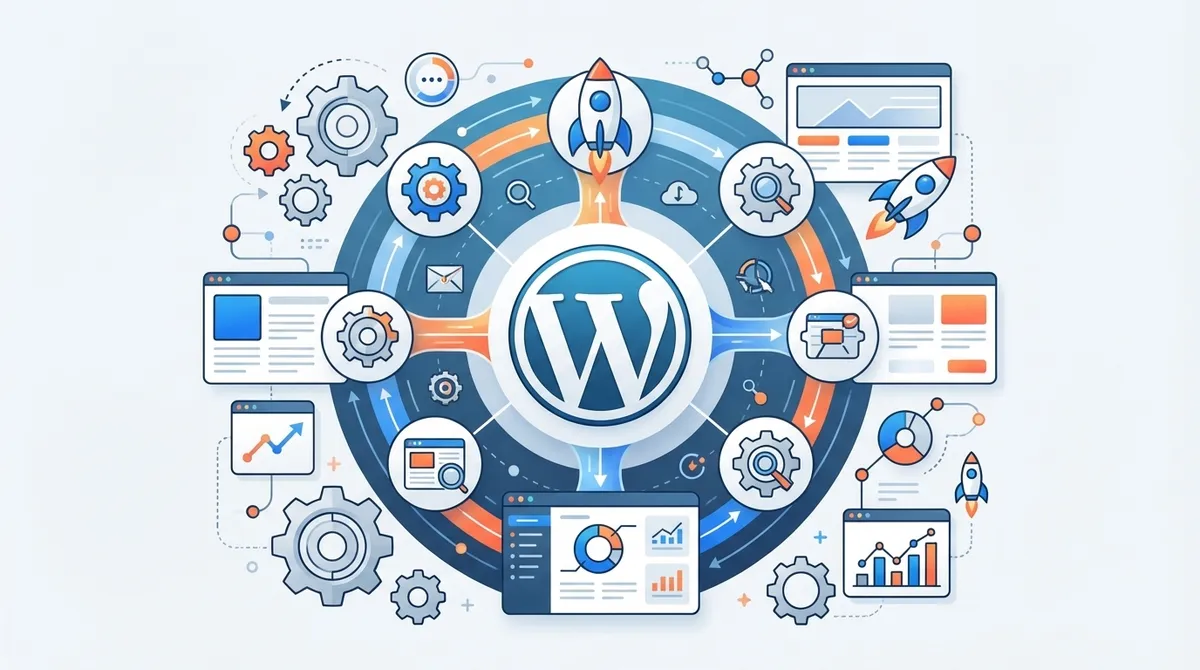
WordPress SEO automation refers to the use of AI-powered plugins, platforms, and workflows that automatically handle optimization tasks without manual intervention. Unlike traditional SEO plugins that simply provide recommendations, modern automation tools actually execute optimization strategies on your behalf.
The automation landscape has evolved dramatically. Tools now integrate machine learning algorithms that analyze top-ranking content, identify optimization opportunities, and implement changes automatically. This shift has transformed SEO from a manual, time-intensive process into a streamlined, data-driven workflow.
Key automation capabilities in 2026 include automatic keyword research based on your niche, AI-generated content creation that follows SEO best practices, automated meta description and title tag generation, schema markup implementation without coding knowledge, internal linking suggestions and automatic placement, broken link detection and correction, rank tracking with automated reporting, and content optimization based on competitor analysis.

Why WordPress SEO Automation Matters for Your Business
The competitive advantage of WordPress SEO automation extends far beyond simple time savings. Businesses implementing comprehensive automation strategies consistently outperform competitors who rely on manual optimization methods.
First, automation enables consistency at scale. Manual SEO inevitably leads to inconsistencies across pages, forgotten optimizations, and irregular publishing schedules. Automated systems ensure every piece of content receives the same level of optimization attention, creating a foundation for predictable growth.
Second, automation captures opportunities faster. When new keyword opportunities emerge or competitor strategies shift, automated systems can respond within hours rather than weeks. This agility translates directly into ranking improvements and traffic growth.
Third, automation dramatically reduces costs. Traditional SEO agencies charge between $3,000 and $5,000 monthly for services that automated platforms now deliver at a fraction of the cost. For small businesses and agencies managing multiple clients, this cost efficiency transforms SEO from a luxury into a scalable growth driver.
Top WordPress SEO Automation Tools for 2026
Selecting the right WordPress SEO automation tools depends on your specific needs, budget, and technical expertise. The market offers diverse options ranging from all-in-one solutions to specialized automation platforms.
All In One SEO (AIOSEO)
All In One SEO remains the most downloaded WordPress SEO plugin with over 100 million downloads, offering comprehensive AI-powered features that automate critical optimization tasks. The plugin includes an AI writing assistant that generates SEO-optimized titles and meta descriptions automatically, smart XML sitemaps that update dynamically as you publish content, and TruSEO score analysis that provides real-time optimization recommendations.
AIOSEO’s automation capabilities include automatic schema markup for various content types, local SEO automation with business information syndication, and WooCommerce SEO features for e-commerce stores. The plugin’s AI integration helps reduce manual optimization time by automatically suggesting improvements based on your content and competitive landscape.
Rank Math SEO
Rank Math SEO has achieved 2 million downloads with a 4.9 out of 5 rating, positioning itself as a powerful alternative with extensive AI-driven features. The plugin’s setup wizard automates initial configuration by importing settings from other SEO plugins, analyzing your site structure, and implementing best practices automatically.
Key automation features include AI content writing assistance that generates SEO briefs and outlines, automatic image SEO with alt text suggestions, redirect management that automatically handles broken links, and keyword rank tracking with automated email reports. Rank Math’s paid plans start at $69 per year, making it an affordable option for businesses seeking comprehensive automation without enterprise-level costs.
Surfer SEO
Surfer SEO automates on-page optimization by analyzing top-ranking content in your niche and generating data-driven recommendations. Unlike traditional plugins, Surfer uses real-time SERP analysis to create content optimization guidelines that reflect current ranking factors.
The platform automatically generates content outlines based on competitor analysis, provides keyword density recommendations with real-time scoring, suggests optimal content length and structure, and identifies semantic keywords to include naturally throughout your content. Surfer SEO offers free access with limited features, while paid plans start at $49 per month for businesses requiring regular optimization support.
WordLift
WordLift specializes in structured data automation, using AI to transform your WordPress content into machine-readable formats that improve search visibility. The plugin automatically adds schema markup to your posts and pages, classifies content into entities for better semantic understanding, and suggests internal links based on content relationships.
WordLift’s AI also recommends relevant images from its database and creates knowledge graphs that connect your content topics. This level of semantic SEO automation helps search engines understand your content context better, improving rankings for informational queries. Pricing starts at €49 per month when billed annually, positioning it as a specialized tool for businesses prioritizing structured data implementation.
SEOPress
SEOPress has exceeded 300,000 downloads with a 4.8 out of 5 rating, offering AI integration in its premium version that automates meta description and title generation at scale. The plugin’s bulk generation feature allows you to create optimized meta content for hundreds of pages simultaneously, dramatically reducing manual workload.
Additional automation capabilities include automatic Google Analytics and Google Search Console integration, XML and HTML sitemap generation with automatic updates, redirect management with automatic broken link detection, and social media metadata automation for better sharing optimization. SEOPress paid plans start at $49 per year, making it one of the most cost-effective premium options available.
Complete WordPress SEO Automation Implementation Guide
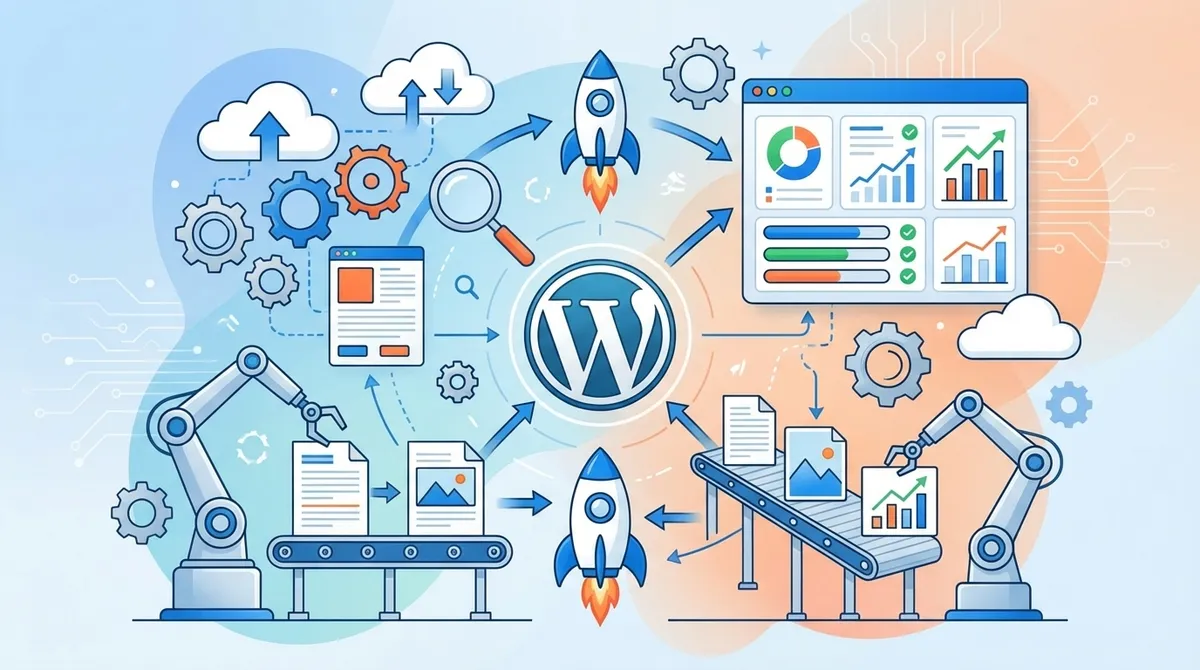
Implementing comprehensive WordPress SEO automation requires a strategic approach that balances tool selection, configuration, and ongoing optimization. Follow this step-by-step process to build an automated SEO system that delivers consistent results.
Step 1: Audit Your Current SEO Workflow
Before implementing automation, document your existing SEO processes to identify the most time-consuming manual tasks. Create a list of activities you currently perform manually, including keyword research frequency and methods, content creation and optimization processes, meta tag creation procedures, internal linking strategies, technical SEO checks and fixes, and rank tracking and reporting workflows.
This audit reveals where automation will provide the greatest impact. Most businesses discover that keyword research, content optimization, and reporting consume the majority of their SEO time, making these areas the highest priority for automation.
Step 2: Select Your Automation Stack
Choose tools that complement each other rather than creating redundant functionality. A typical WordPress SEO automation stack includes a core SEO plugin like AIOSEO or Rank Math for foundational optimization, a content optimization tool like Surfer SEO for on-page analysis, a structured data plugin like WordLift if semantic SEO is a priority, and an automation platform like SEO Rocket for end-to-end content creation and publishing automation.
SEO Rocket represents the next generation of WordPress SEO automation, handling keyword research, long-form article generation, optimization, and daily publishing in a single platform. Unlike traditional plugins that require manual content creation, SEO Rocket automates the entire workflow from keyword discovery to published articles, generating 3,000-plus-word SEO-optimized content daily.
Step 3: Configure Automation Settings
Proper configuration ensures your automation tools work effectively without creating optimization conflicts. Start with your core SEO plugin by enabling AI writing assistance features, configuring automatic sitemap generation and submission, setting up schema markup templates for different content types, enabling automatic internal linking suggestions, and activating rank tracking for priority keywords.
Next, integrate content optimization tools by connecting them to your WordPress site via API, setting content scoring thresholds that trigger optimization alerts, configuring keyword tracking for your target terms, and enabling automatic content briefs for new article creation.
Step 4: Automate Keyword Research
Keyword research automation transforms this traditionally time-intensive task into a continuous background process. Modern tools can automatically identify keyword opportunities based on your niche, search volume trends, and competitive gaps.
Implement automated keyword research by connecting tools to your Google Search Console to identify existing ranking opportunities, setting up competitor monitoring to discover keywords they rank for, enabling automatic keyword expansion that finds related terms and questions, and configuring monthly keyword opportunity reports that highlight new targets.
Platforms like SEO Rocket automatically discover keyword opportunities and build content calendars without manual input, eliminating the need for separate keyword research tools and manual planning sessions.
Step 5: Automate Content Creation and Optimization
Content automation has advanced significantly in 2026, with AI systems capable of generating comprehensive, SEO-optimized articles that satisfy both search engines and human readers. While manual content creation still has its place, automated content generation enables consistent publishing schedules that drive cumulative ranking improvements.
Implement content automation by configuring AI writing tools to generate content briefs and outlines automatically, setting up automated first draft generation for informational content, enabling automatic meta description and title tag creation, configuring automatic image selection and alt text generation, and implementing automatic internal linking based on content relationships.
For businesses requiring daily content publishing, SEO Rocket’s automated workflow generates and publishes one 3,000-word article per day on the Business plan or ten per day on the Agency plan, handling everything from keyword selection to final publication without manual intervention.
Step 6: Automate Technical SEO Maintenance
Technical SEO requires ongoing monitoring and maintenance to ensure your site remains optimized as content grows and technology evolves. Automation prevents technical issues from accumulating and impacting search performance.
Set up technical SEO automation by enabling automatic sitemap updates and search engine submissions, configuring broken link monitoring with automatic redirect creation, implementing automatic image compression and optimization, enabling automatic schema markup validation and updates, and setting up weekly technical SEO health reports that highlight issues requiring attention.
Step 7: Automate Rank Tracking and Reporting
Understanding your SEO performance without manual rank checking and report creation saves hours weekly while providing better insights into what’s working. Automated reporting ensures stakeholders stay informed without requiring manual data compilation.
Configure automated reporting by setting up daily or weekly rank tracking for priority keywords, enabling automatic competitor rank comparison reports, configuring traffic and ranking change alerts for significant movements, implementing monthly SEO performance summaries with key metrics, and creating automatic client reports if you manage multiple sites or clients.
WordPress SEO Automation Best Practices
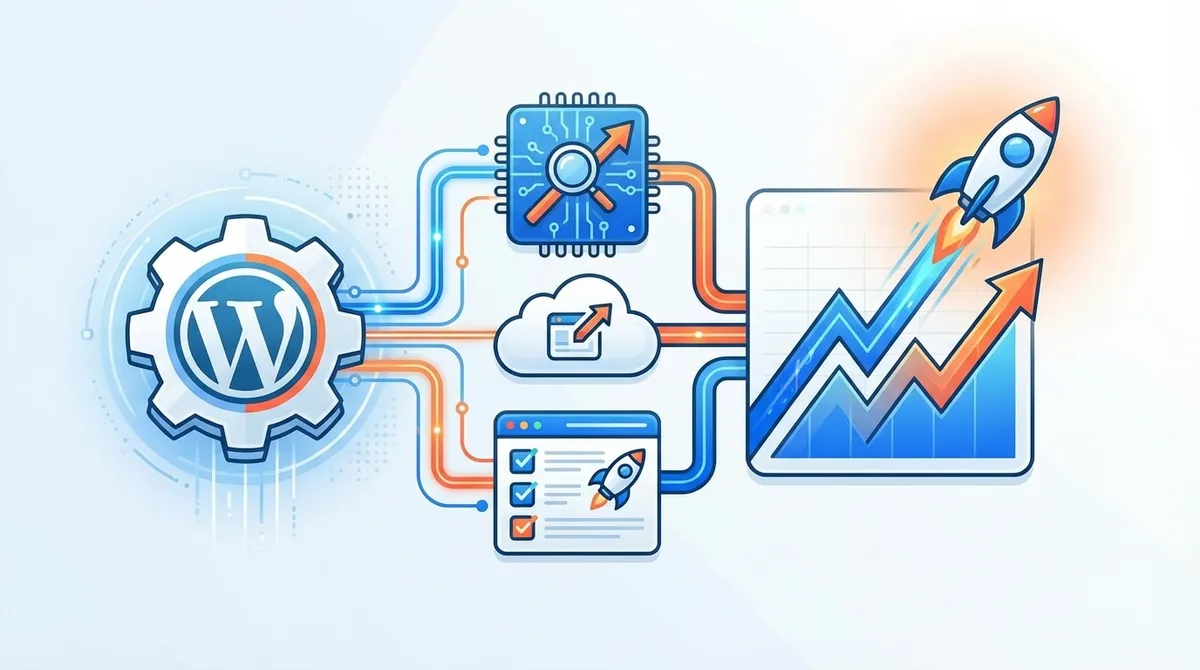
Effective automation requires following established best practices that balance efficiency with quality control. These guidelines ensure your automated systems deliver results without sacrificing content quality or user experience.
Maintain Human Oversight
While automation handles execution, human strategy remains essential. Review automatically generated content before publication to ensure accuracy and brand alignment. Monitor automation performance metrics monthly to identify optimization opportunities. Adjust automation settings based on performance data and algorithm updates. Manually review high-priority content that represents your brand directly.
Focus on Quality Over Quantity
Automation enables high-volume content production, but quality must remain the priority. Configure your automation tools to prioritize comprehensive, valuable content over short, thin articles. Set minimum word count thresholds that ensure sufficient content depth. Enable automatic fact-checking and citation features where available. Review and refine AI-generated content periodically to maintain quality standards.
Integrate Automation with Your Overall Strategy
WordPress SEO automation should support your broader marketing strategy rather than operating in isolation. Align automated keyword targeting with your business objectives and customer journey. Coordinate automated content topics with seasonal trends and product launches. Ensure automated internal linking supports your conversion funnel. Connect SEO automation data with your CRM and analytics platforms for comprehensive performance visibility.
Test and Optimize Continuously
The most successful automation implementations evolve based on performance data. A/B test different automation configurations to identify what works best. Monitor ranking changes after automation implementation to measure impact. Adjust keyword targeting based on actual ranking performance. Refine content templates and optimization rules as search algorithms evolve.

Common WordPress SEO Automation Challenges and Solutions
Implementing automation inevitably presents challenges that can hinder adoption or limit effectiveness. Understanding these common obstacles and their solutions helps you navigate the automation journey successfully.
Challenge: Content Quality Concerns
Many businesses worry that automated content won’t match the quality of manually created articles. While early AI writing tools produced generic, low-quality content, modern systems in 2026 generate comprehensive, valuable articles that satisfy user intent.
Solution: Start by automating informational content like how-to guides, listicles, and educational articles where AI excels. Reserve brand storytelling and highly specialized content for manual creation. Implement quality control workflows where team members review automated content before publication. Over time, refine your automation settings based on which content performs best.
Challenge: Plugin Conflicts and Technical Issues
WordPress sites often run multiple plugins simultaneously, creating potential conflicts that can break automation features or impact site performance.
Solution: Before implementing new automation tools, test them on a staging site to identify conflicts. Disable redundant plugins that provide overlapping functionality. Choose automation platforms that integrate multiple functions to minimize plugin count. Monitor site performance metrics after adding automation tools to ensure they don’t slow your site.
Challenge: Learning Curve and Setup Time
Comprehensive automation requires initial configuration time and learning new tools, which can seem overwhelming for small teams already stretched thin.
Solution: Implement automation incrementally rather than attempting to automate everything simultaneously. Start with high-impact, easy-to-implement features like automatic meta tag generation and sitemap updates. Gradually add more advanced automation as you become comfortable with the tools. Consider platforms like SEO Rocket that handle setup in under ten minutes with minimal configuration required.
Challenge: Cost Justification
Decision-makers sometimes struggle to justify automation tool costs, especially when comparing monthly subscriptions to perceived manual work.
Solution: Calculate your current SEO time investment by tracking hours spent on keyword research, content creation, optimization, and reporting. Multiply those hours by your internal hourly rate or agency costs. Compare this to automation platform pricing—most businesses discover that automation costs roughly three dollars per article compared to hundreds for manual creation. Present automation as a cost reduction strategy rather than an additional expense.

Measuring WordPress SEO Automation Success
Tracking the right metrics helps you understand whether your automation implementation delivers meaningful results and where optimization opportunities exist.
Key Performance Indicators to Monitor
Focus on these essential metrics when evaluating automation effectiveness:
- Organic traffic growth: Track month-over-month and year-over-year organic visitor increases
- Keyword ranking improvements: Monitor position changes for target keywords, focusing on movements into the top ten results
- Content publishing consistency: Measure whether automation enables the publishing frequency you targeted
- Time savings: Calculate hours saved on SEO tasks compared to your pre-automation workflow
- Cost per article: Divide your automation tool costs by articles published to determine cost efficiency
- Conversion rate: Ensure automation increases traffic without decreasing conversion quality
Establishing Baseline Metrics
Before implementing automation, document your current performance to enable accurate before-and-after comparison. Record your current monthly organic traffic, average keyword rankings for target terms, monthly content publishing volume, hours spent weekly on SEO tasks, current cost per piece of content, and conversion rates from organic traffic.
Review these metrics three months post-automation to assess impact, then quarterly thereafter to track long-term trends.
Advanced WordPress SEO Automation Strategies
Once you’ve mastered basic automation, these advanced strategies can further amplify your results and competitive advantage.
Multi-Site Automation for Agencies
Agencies managing multiple client WordPress sites benefit dramatically from centralized automation. Implement multi-site strategies by using automation platforms that support multiple workspaces or client sites, creating standardized automation templates that can be deployed across clients quickly, configuring white-label reporting that automatically generates client performance updates, and implementing bulk optimization features that update multiple sites simultaneously.
The SEO Rocket Agency plan supports ten client workspaces and three hundred monthly articles, enabling agencies to deliver consistent SEO results across their entire client portfolio without proportionally increasing team size.
AI Search Optimization
In 2026, optimizing for AI-powered search engines like ChatGPT, Perplexity, Claude, Gemini, Copilot, and Grok has become as important as traditional Google SEO. These AI systems cite authoritative sources when answering user queries, creating new visibility opportunities.
Optimize for AI search by structuring content to answer questions clearly and directly, implementing comprehensive schema markup that helps AI systems understand content context, building topical authority through consistent publishing on related subjects, creating detailed, factual content that AI systems can confidently cite, and ensuring your content appears in featured snippets and knowledge panels.
Platforms like SEO Rocket specifically optimize content for both Google and AI search engines, ensuring your content appears when users ask AI assistants questions related to your expertise.
Programmatic SEO at Scale
For businesses with large product catalogs, service areas, or content databases, programmatic SEO automation can generate thousands of optimized pages automatically. Implement programmatic SEO by identifying scalable content patterns in your niche, creating dynamic templates that populate with database information automatically, automating internal linking between programmatic pages, implementing canonical tags to prevent duplicate content issues, and monitoring programmatic page performance to refine templates over time.
Integration with Marketing Automation
Connect your WordPress SEO automation with broader marketing automation to create cohesive customer journeys. Set up integrations that trigger email campaigns when users visit specific optimized pages, sync SEO keyword data with your CRM to understand which terms drive qualified leads, automate social media promotion of newly published SEO content, and connect conversion data back to keyword sources to calculate SEO ROI accurately.
Future of WordPress SEO Automation
WordPress SEO automation continues evolving rapidly as AI capabilities advance and search algorithms become more sophisticated. Understanding emerging trends helps you stay ahead of competitors and prepare for the next generation of optimization strategies.
Expect these developments in the coming years: AI systems that automatically adapt content based on real-time ranking algorithm changes, voice search optimization automation as conversational queries increase, automated video SEO as video content dominates search results, predictive keyword targeting that identifies opportunities before they become competitive, and automated E-E-A-T signal optimization that builds topical authority systematically.
The most successful businesses will embrace automation early, treating it as a competitive advantage rather than a risky experiment. As manual SEO becomes increasingly impractical at scale, automation transforms from a nice-to-have feature into a business necessity.
Conclusion: Transform Your WordPress SEO with Automation
WordPress SEO automation has evolved from basic plugin recommendations into comprehensive, AI-powered systems that handle the entire optimization workflow automatically. By implementing the strategies and tools outlined in this guide, you can dramatically reduce manual SEO workload while improving rankings, traffic, and conversion rates.
Start your automation journey by auditing current workflows to identify time-consuming manual tasks, selecting a core automation stack that matches your needs and budget, implementing automation incrementally rather than attempting everything simultaneously, monitoring performance metrics to measure impact and identify optimization opportunities, and refining your automation strategy based on results and industry evolution.
Remember that automation enhances human strategy rather than replacing it. The most successful implementations combine automated execution with strategic oversight, ensuring technology handles repetitive tasks while your team focuses on high-value activities like strategy development, competitive analysis, and customer relationship building.
For businesses seeking comprehensive automation that handles everything from keyword research to daily content publishing, SEO Rocket offers an end-to-end solution that eliminates manual SEO work entirely. With setup completed in under ten minutes and content automatically generated and published daily, SEO Rocket represents the future of WordPress SEO—where consistent, ranking-focused content becomes automatic rather than aspirational.
The competitive advantage belongs to businesses that embrace automation now, building momentum through consistent publishing while competitors struggle with manual workflows. Whether you manage a single WordPress site or an agency portfolio, WordPress SEO automation transforms SEO from a resource-intensive challenge into a scalable, predictable growth engine that delivers compounding results over time.
FAQs
Q: What is the best WordPress SEO automation plugin in 2026?
A: The best WordPress SEO automation plugin depends on your specific needs, but All In One SEO (AIOSEO) leads with over 100 million downloads and comprehensive AI-powered features including automated meta tag generation, schema markup, and SEO scoring. Rank Math SEO offers excellent automation at $69 per year with 2 million downloads and a 4.9 rating. For end-to-end automation beyond plugins, platforms like SEO Rocket handle keyword research, content creation, optimization, and daily publishing automatically.
Q: Can WordPress SEO automation tools automatically generate content?
A: Yes, modern WordPress SEO automation tools in 2026 can automatically generate comprehensive, SEO-optimized content. Advanced platforms use AI to create long-form articles (3,000+ words), generate meta descriptions and title tags, produce content outlines based on competitor analysis, and publish directly to your WordPress site. While basic SEO plugins offer AI writing assistance, comprehensive platforms like SEO Rocket fully automate the entire content creation and publishing workflow without manual intervention.
Q: How much does WordPress SEO automation cost?
A: WordPress SEO automation costs vary significantly based on features and scale. Basic SEO plugins like SEOPress start at $49 per year, while Rank Math costs $69 annually. Specialized tools like Surfer SEO begin at $49 monthly, and WordLift costs €49 per month. Comprehensive automation platforms like SEO Rocket offer business plans at $99 monthly (30 articles) or agency plans at $799 monthly (300 articles, 10 workspaces), delivering cost-per-article around $3 compared to hundreds for manual creation.
Q: Does WordPress SEO automation work for e-commerce and WooCommerce stores?
A: Yes, WordPress SEO automation works excellently for e-commerce and WooCommerce stores. Leading plugins like AIOSEO include specific WooCommerce SEO features that automatically optimize product pages, category pages, and shopping cart functionality. Automation helps e-commerce sites generate and optimize large volumes of product descriptions, implement proper schema markup for products, create SEO-friendly category structures, and maintain consistent optimization across extensive product catalogs that would be impractical to optimize manually.
Q: How long does it take to see results from WordPress SEO automation?
A: Most businesses begin seeing measurable results from WordPress SEO automation within three to six months of consistent implementation. Initial improvements in technical SEO and on-page optimization may show effects within weeks, while competitive keyword rankings typically require consistent content publishing over several months. The key advantage of automation is consistency—daily automated publishing creates compounding ranking improvements over time. Platforms that publish daily like SEO Rocket accelerate results by maintaining the consistent publishing schedule that search engines reward with improved rankings and visibility.