

Key Takeaways
-
WordPress SEO plugins alone can't generate content, plan topics, or publish articles automatically—they only optimize existing pages, leaving significant manual work for consistent growth in 2026.
-
Full SEO content automation platforms generate 3,000+ word articles daily with keyword research, content calendars, and direct publishing, eliminating the need to patch together multiple tools.
-
Traditional SEO plugins focus on Google rankings but aren't optimized for AI search engines like ChatGPT and Perplexity, which now drive millions of searches and require different content structuring.
-
Automation platforms cost around $99/month for 30 articles ($3 per article), often cheaper than hiring writers or agencies when you factor in keyword research and publishing time.
-
Most WordPress SEO plugins (Yoast, Rank Math, AIOSEO) are best suited for small businesses publishing occasionally; larger teams and agencies need automated planning to scale content consistently.
-
AI-generated SEO content is safe if it's genuinely useful and well-researched, following Google's people-first quality guidelines—quality control and human review still matter most.
If you run a WordPress site, you’ve probably installed at least one SEO plugin. Maybe you’re using it right now to check your green or red “SEO score” before hitting publish. That’s a good habit. But here’s a question worth asking: is a plugin alone enough to actually grow your traffic in 2026?
A wordpress seo plugin is great at helping you fill in meta titles, add schema, and generate sitemaps. What it usually can’t do is write your content, plan your topics, or publish new articles every day without you lifting a finger. That gap is exactly where SEO content automation comes in. In this article, we’ll break down what these plugins actually do, compare the top options, and show you where full automation platforms fit into the picture.

What Is a WordPress SEO Plugin, Really?
A WordPress SEO plugin is software you install on your site to help search engines understand and rank your pages. It usually handles the technical and on-page basics so you don’t have to code anything yourself.
Most plugins focus on a similar set of core jobs:
- Writing SEO titles and meta descriptions
- Adding schema markup (the code that helps Google show rich results)
- Generating XML sitemaps automatically
- Scoring your content as you write it
- Managing redirects when you delete or move pages
- Suggesting internal links between related posts
These are helpful tools. But they’re built to assist a human writer, not replace one. You still need to research keywords, write the article, and hit publish yourself. That’s a lot of manual work if you’re trying to publish consistently.
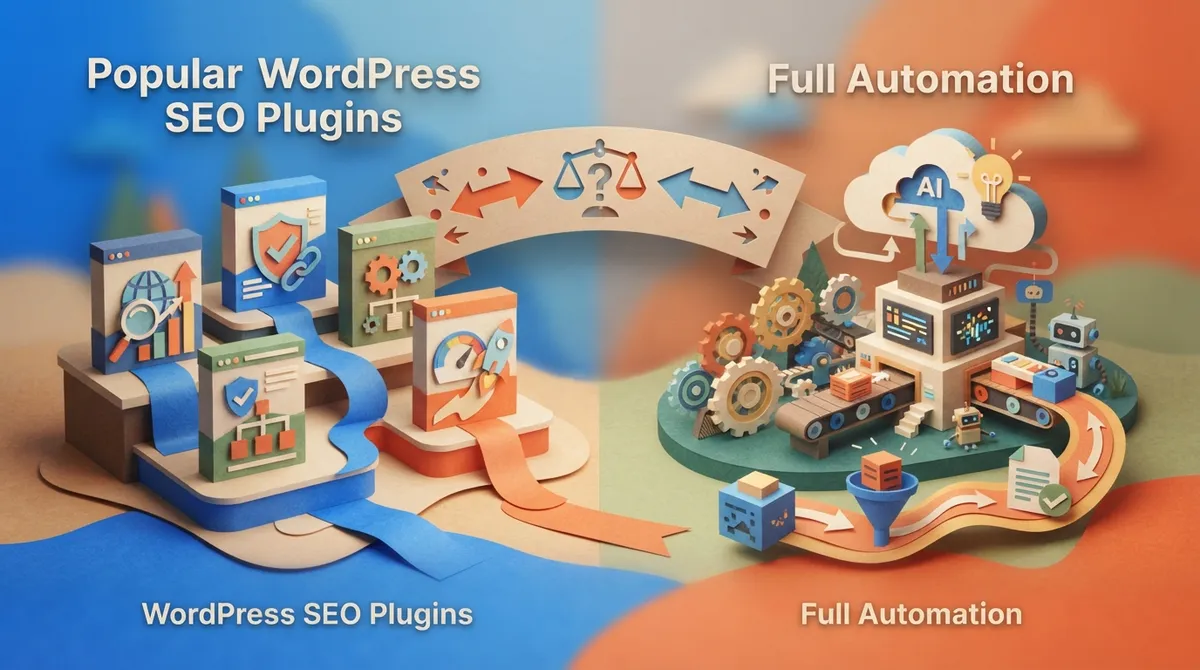
Popular WordPress SEO Plugins Compared
There are a handful of well-known plugins that dominate the WordPress SEO space. Each one has a slightly different focus, and pricing varies quite a bit.
| Plugin | Starting Price (Paid Plan) | Main Focus |
|---|---|---|
| Yoast SEO | $9.99/month (billed annually) | Real-time guidance and built-in AI assistance |
| All in One SEO (AIOSEO) | $49.60/year | Broad toolkit: schema, sitemaps, redirects, local SEO |
| Rank Math | $59/year | Real-time SEO scoring and reporting |
| The SEO Framework | Varies | Lightweight, automation-friendly setup |
| SEOPress | Varies | Efficient optimization workflows |
Notice something? None of these prices include the cost of actually writing your content. You’re still paying a writer, an agency, or your own time to produce articles. The plugin just helps you optimize what already exists.
How Automation-Focused Plugins Are Changing the Game
A newer wave of WordPress tools is trying to close that gap. Plugins like WPAuto, Ascend, and Soro go beyond basic optimization. They try to generate content, metadata, and keywords automatically, right inside your WordPress dashboard.
Here’s how they typically work:
- You connect an API key or link your OpenAI account
- The plugin pulls keyword ideas, sometimes from Google Search Console data
- It drafts blog content based on those keywords
- You review, tweak, and publish (or it auto-publishes for you)
WPAuto, for example, claims support for OpenAI’s ChatGPT and over 300 AI models through OpenRouter for generating SEO metadata and keywords. Ascend says it connects directly to Google Search Console for data-driven keyword research and can automatically create SEO-optimized blog posts. These are real steps forward. But they still often require you to manage API keys, review drafts manually, and stitch together your keyword research and publishing workflow yourself.
Where a Plugin Alone Falls Short
Let’s be honest for a second. Even the best plugin can’t do everything a growing website needs. Here are the common gaps small teams run into:
- No real keyword research engine with live search volume and competition data
- No built-in content calendar that plans weeks or months ahead
- No automatic long-form article generation (most output is short or needs heavy editing)
- Limited support for optimizing content for AI search tools like ChatGPT or Perplexity
- Manual publishing steps that still eat up your time every single day
- No system for internal linking across dozens or hundreds of posts
If you’re a small agency juggling five clients, or a content manager responsible for a blog with hundreds of pages, these gaps add up fast. You end up patching together three or four separate tools just to get one article published.
What Full SEO Content Automation Looks Like
This is where a platform built around SEO content automation, rather than just plugin-style optimization, changes the equation. Instead of installing a plugin and doing the rest yourself, the whole pipeline runs on its own.
SEO Rocket was built to fill exactly this gap. Setup takes under 10 minutes. You connect your WordPress site, review keyword opportunities the system finds using live SEO data, approve a content calendar, and the rest happens automatically. No API key juggling. No manual prompts. No copy-pasting drafts into your CMS.
Here’s what a fully automated system typically includes:
- Built-in keyword research with real search volume, competition, and intent data
- Automated content planning through a visual calendar
- Daily generation of long-form, SEO-optimized articles (3,000+ words on SEO Rocket’s Business plan)
- Auto-generated metadata, internal links, and even images
- Real-time SEO scoring with auto-fix suggestions
- Direct publishing to WordPress, Webflow, Shopify, or Wix — no manual uploads
Notice the difference. A plugin helps you optimize one page at a time. A full automation platform handles the entire pipeline, from finding the keyword to publishing the finished article, every single day.
WordPress SEO Plugin vs. SEO Content Automation: Side by Side
| Feature | Typical WordPress SEO Plugin | SEO Content Automation Platform |
|---|---|---|
| Keyword research | Basic or none built-in | Live search volume, competition, and intent data |
| Content writing | Manual, or short AI drafts needing edits | Full 3,000+ word articles generated daily |
| Publishing | Manual publish after editing | Automatic daily publishing |
| Content calendar | Not included | Visual calendar planned weeks or months ahead |
| AI search optimization | Rarely addressed | Structured for ChatGPT, Perplexity, Gemini, Claude |
| Team collaboration | Limited | Unlimited team members on most plans |
| Typical monthly cost | $5–$60/year (plugin only) | Starts around $99/month, all-inclusive |
To be fair, plugins still matter. They’re the foundation that helps search engines read your site properly. But if your goal is consistent organic growth without hiring a full content team, a plugin alone leaves too much manual work on your plate.
Which Option Fits Your Situation?
Not every website needs the same setup. Here’s a simple way to think about it:
- Small business owners who publish occasionally and just want clean metadata: a basic plugin like Yoast or Rank Math may be enough for now.
- Content managers handling large sites with dozens of pages: you’ll likely need automated planning to keep up with demand.
- Small SEO agencies serving multiple clients: full automation saves hours per client, per week.
- In-house marketing teams with tight deadlines: daily automated publishing removes the bottleneck of waiting on writers.
- E-commerce SEO specialists needing product and category content at scale: automation handles volume that manual writing can’t match.
- Digital marketing consultants who want to offer more value: automation lets you deliver faster results and stand out from competitors still doing everything by hand.
If any of those descriptions sound like you, it’s worth looking beyond the plugin aisle. Check out how automated content planning actually works in our guide to content automation and why your SEO needs it.
Can WordPress SEO Plugins Handle AI Search Optimization?
This is a question more people are asking in 2026. Google isn’t the only place people search anymore. Tools like ChatGPT, Perplexity, and Gemini are pulling in millions of searches too.
Most traditional plugins were built with Google in mind, not AI-powered answer engines. They can help with schema and structured data, which does matter for AI visibility. But they weren’t designed to structure entire articles so AI models can reference them as trusted sources.
That’s a growing weakness. If your content strategy only optimizes for classic Google rankings, you may be missing a big chunk of future search traffic. For a deeper look at this shift, read our piece on improving your AI search visibility in 2026.
Steps to Move From Manual Plugin Use to Automated Publishing
If you’re ready to stop patching together tools, here’s a simple path forward:
- Audit your current plugin setup and note what it’s missing (keyword research? publishing automation? AI optimization?)
- Connect your WordPress, Webflow, Shopify, or Wix site to an automation platform
- Review the keyword opportunities the system surfaces using live data
- Approve your content calendar for the next few weeks or months
- Let daily article generation and publishing run in the background
- Check your real-time SEO scores and apply any auto-fix suggestions
- Track performance and let compounding growth build over time
This isn’t a one-time fix. It’s a system that keeps working every day, which is exactly what consistent SEO growth requires. You can explore real examples of this kind of output in our writing examples section.
Cost Comparison: Plugins, Agencies, and Automation
Let’s talk numbers, because budget matters no matter what size business you run.
- A basic WordPress SEO plugin: roughly $50–$60/year, but you still pay for writing separately
- A freelance writer or small agency: often $200–$1,000+ per article, depending on quality and length
- A traditional SEO agency retainer: commonly $3,000–$5,000/month
- A full automation platform: around $99/month for 30 long-form articles, roughly $3 per article
When you add up the true cost of keyword research tools, writing, editing, and publishing time, plugins alone often aren’t the bargain they appear to be. Automation platforms fold all of that into one predictable monthly cost. You can see current plans and Start for $99/month if you want to compare the numbers for your own site.
Is It Safe to Automate SEO Content on WordPress?
This is a fair concern, and you’re smart to ask it. The short answer is yes, as long as the platform follows solid SEO practices and doesn’t spam your site with low-quality content.
Google’s own Search Quality Rater Guidelines emphasize helpful, accurate, people-first content, regardless of who or what writes it. That means automation is fine, but the output still needs to be genuinely useful, well-researched, and properly optimized. Look for platforms that include real-time SEO scoring, proper internal linking, and human-reviewable calendars, not just a button that spits out generic text.
Tools like ClickRank and GetAutoSEO reflect this same market shift toward AI-assisted publishing, but the quality and structure of what gets published still varies widely between platforms. Always check the actual article samples before committing.
Wrapping It Up
A wordpress seo plugin is a solid starting point. It helps you get the basics right, and there’s nothing wrong with using one for technical setup. But if you’re trying to grow traffic consistently in 2026, a plugin alone probably won’t get you there.
Full SEO content automation fills in the gaps: keyword research, content planning, daily long-form writing, and direct publishing, all without eating up your time. Whether you’re running a small business, managing an agency’s client roster, or handling a massive e-commerce catalog, automation scales with you in a way manual plugin workflows simply can’t.
Curious what this looks like for your own site? Sign up for SEO Rocket and see your first automated content calendar built in minutes. And if you want more insights like this one, feel free to read our blog for the latest on SEO content automation.
FAQs
Q: What is a WordPress SEO plugin?
A: It’s software you install on WordPress to help with search engine visibility. Think meta titles, schema markup, sitemaps, and content scoring, all handled inside your dashboard.
Q: Which WordPress SEO plugin is best for AI content automation?
A: Plugins like WPAuto and Ascend lean into AI-assisted content generation, connecting to tools like ChatGPT or Google Search Console. That said, full automation platforms usually offer deeper keyword research and daily publishing that plugins alone don’t cover.
Q: Can a WordPress SEO plugin generate meta titles and descriptions automatically?
A: Yes! This is one of the most common features across Yoast, Rank Math, and AIOSEO. They’ll suggest or auto-fill titles and descriptions based on your content and target keyword.
Q: Are AI SEO plugins safe to use for WordPress content publishing?
A: Generally, yes, as long as the output is genuinely helpful and well-optimized. Google’s own quality guidelines focus on usefulness over who (or what) created the content, so quality control still matters most.
Q: Can WordPress SEO plugins automate schema markup and internal linking?
A: Many plugins handle schema markup well, and some offer basic internal linking suggestions. But full automation platforms typically manage internal linking across your whole site as part of the publishing process, which saves even more time.




